
 Windows
with JDK bundled
Easiest option — no separate Java install needed.
On Oracle’s page, choose the x64.zip file, which Oracle notes includes JDK 17.
Open Oracle’s download page to get Windows 64-bit — with JDK bundledIndependent guide · not affiliated with Oracle
Oracle SQL Developer is a free desktop IDE from Oracle for writing SQL, browsing schemas, and managing Oracle Database. You download SQL Developer from Oracle itself — this independent guide tells you exactly which build to take for your operating system before you go and get it.
Windows macOS
macOS Linux
Linux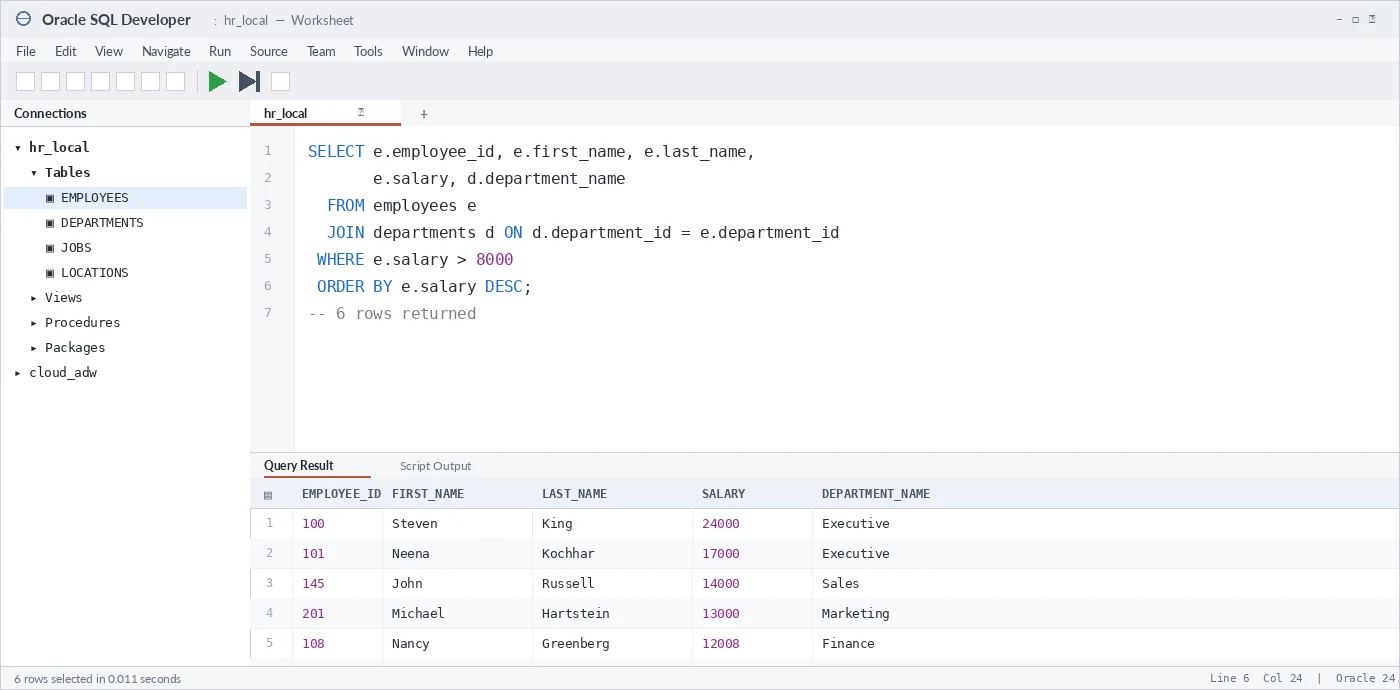
Every Oracle SQL Developer free download below goes to Oracle’s own servers. Oracle’s own page mixes platforms, JDK options and older releases on one long screen — this is the same set laid out as a plain result grid. Every button links to Oracle’s official site; nothing is rehosted here.
WindowsEasiest option — no separate Java install needed.
On Oracle’s page, choose the x64.zip file, which Oracle notes includes JDK 17.
Open Oracle’s download page to get Windows 64-bit — with JDK bundledWindowsOnly if you must use your own JDK — it is not the smaller download.
On Oracle’s page, choose the no-jre.zip file.
Open Oracle’s download page to get Windows 64-bit — without JDKmacOSShips as a .app inside a zip, with Java already bundled.
On Oracle’s page, choose the macos-aarch64.app.zip file.
Open Oracle’s download page to get macOS — Apple siliconLinuxRPM for Fedora, RHEL and relatives. Install a JDK 17+ first.
On Oracle’s page, choose the noarch.rpm file.
Open Oracle’s download page to get Linux — RPM packageThe choice comes down to two questions: which operating system, and do you already have Java. This is the decision most people get lost on, so here it is in plain terms.
Oracle SQL Developer is a Java application, so its main requirement is a JDK (Java Development Kit) version 17 or newer. Beyond that it is light: about 1 GB of free disk after unzipping and 4 GB of RAM are comfortable for everyday use.
The confusing part is Java. The Windows “with JDK” build carries its own copy of Java, so it just works. Every other build expects you to have a JDK already and will ask for its path on first launch. If you see a prompt for a “Java home” or “JDK path”, that is why.
Oracle ships four different tools with “SQL Developer” or SQL in the name, and it is easy to download the wrong one. Here is what each is for.
| Tool | Interface | Best for | Install size |
|---|---|---|---|
| SQL Developer (desktop) | Full desktop IDE | Day-to-day development, browsing schemas, running scripts | 400–490 MB |
| SQL Developer Web | Browser (built into Oracle DB) | Quick access with nothing to install locally | None (server-side) |
| SQLcl | Command line | Scripting, automation, CI pipelines | ~20 MB |
| VS Code extension | Inside Visual Studio Code | Developers who already live in VS Code | ~30 MB |
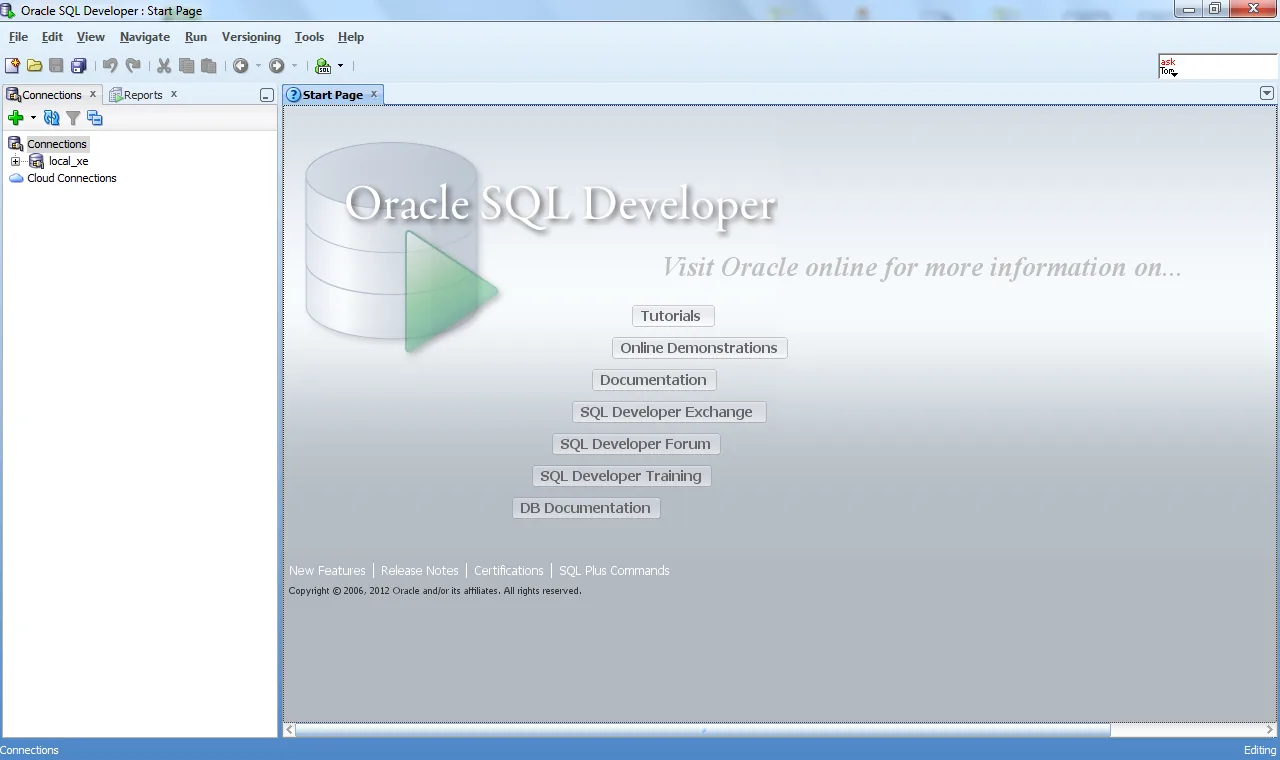
There is no installer — you unzip and run. These are the six steps from download to your first connected database. The full walkthrough with screenshots lives on the getting started guide.
Decide which build you need. The Windows x64 and macOS downloads bundle JDK 17, so they need nothing else installed; the Linux RPM and the Windows no-JRE build need your own JDK 17 or newer. Use the download grid to compare sizes and Java requirements at a glance.
Only if your build does not bundle Java. The Linux RPM and the Windows no-JRE build need a JDK 17 or newer installed first; the Windows x64 and macOS downloads already include one, so you can skip straight to downloading.
Click through to Oracle’s official download page and choose the file for your platform. No Oracle account or sign-in is needed — the link serves the file directly. Confirm the address bar shows oracle.com before downloading.
Extract the downloaded zip to a permanent folder such as C:\sqldeveloper on Windows or your Applications folder on macOS. There is no installer — the unzipped folder is the whole program.
Run sqldeveloper.exe on Windows, the SQLDeveloper app on macOS, or sqldeveloper.sh on Linux. On first launch it asks for the path to your JDK if one was not bundled — point it at your JDK 17+ install.
In the Connections panel, click the green plus, then enter a name, your username and password, and the host, port (1521 by default) and service name of your Oracle Database. Click Test to check it, then Connect.
The questions people actually search before downloading Oracle SQL Developer, answered directly.
Yes. Oracle SQL Developer is free to download and use — Oracle distributes it at no cost, with no licence key and no trial period. You do not need an Oracle account either: the download links resolve straight to Oracle’s servers and serve the file without signing in.
No. sqldeveloper.dev is an independent guide. Every download button on this site links straight to Oracle’s own website, so you always get the genuine files from Oracle.
Yes. Oracle SQL Developer is a Java application and needs a JDK (Java Development Kit) version 17 or newer. As of release 26.2 the Windows x64 and macOS downloads bundle JDK 17 for you, so there is nothing extra to install. The Linux RPM and the Windows no-JRE build do not — install a JDK 17+ first for those.
Choose by your operating system, then by whether you already have Java. On Windows, pick the “with JDK” build if you are unsure; on macOS or Linux, install JDK 17+ and pick the platform build. The download grid on this page lays out every option.
No. Oracle SQL Developer ships as a zip archive — there is no installer. You unzip it to a folder and run the sqldeveloper launcher directly. Nothing is written to the Windows registry or Program Files.
Yes. Oracle ships an Apple silicon (aarch64) build of Oracle SQL Developer, and it bundles JDK 17, so there is no separate Java install. Oracle’s current download page lists only the Apple silicon build — there is no separate Intel download alongside it.
Oracle SQL Developer connects primarily to Oracle Database — every edition including Express Edition (XE) and Autonomous Database. It can also browse third-party databases such as MySQL, PostgreSQL and SQL Server through JDBC, with a narrower feature set.
No, it is not discontinued. Oracle now also offers a SQL Developer extension for Visual Studio Code, but the standalone desktop application is still maintained and available to download. You can use either — this guide covers the desktop app.
Between about 400 MB and 490 MB depending on the build, measured from Oracle’s own servers on 2026-08-10: Linux RPM 401 MB, macOS 424 MB, Windows with JDK 475 MB, Windows without JDK 486 MB. The Windows build without a bundled JDK is not the smaller download, which surprises most people.
Download only from Oracle. Every link here sends you to a URL on oracle.com — check that the address bar shows oracle.com before downloading. This site never rehosts the installer, so you are always getting Oracle’s original files.
Yes. Oracle SQL Developer is a client tool, so it does not require a local database. You can install it on its own and connect to a remote Oracle Database, a cloud Autonomous Database, or a local Oracle XE instance.
The latest version shown in this guide is Oracle SQL Developer 26.2, last checked on 2026-08-10. Oracle publishes new releases a few times a year — always confirm the current version on Oracle’s download page, which this site links to.